Companies
Group customers who work at the same business.
A company is a business your customers belong to. Use companies when you sell to other businesses and talk to several people at each one.
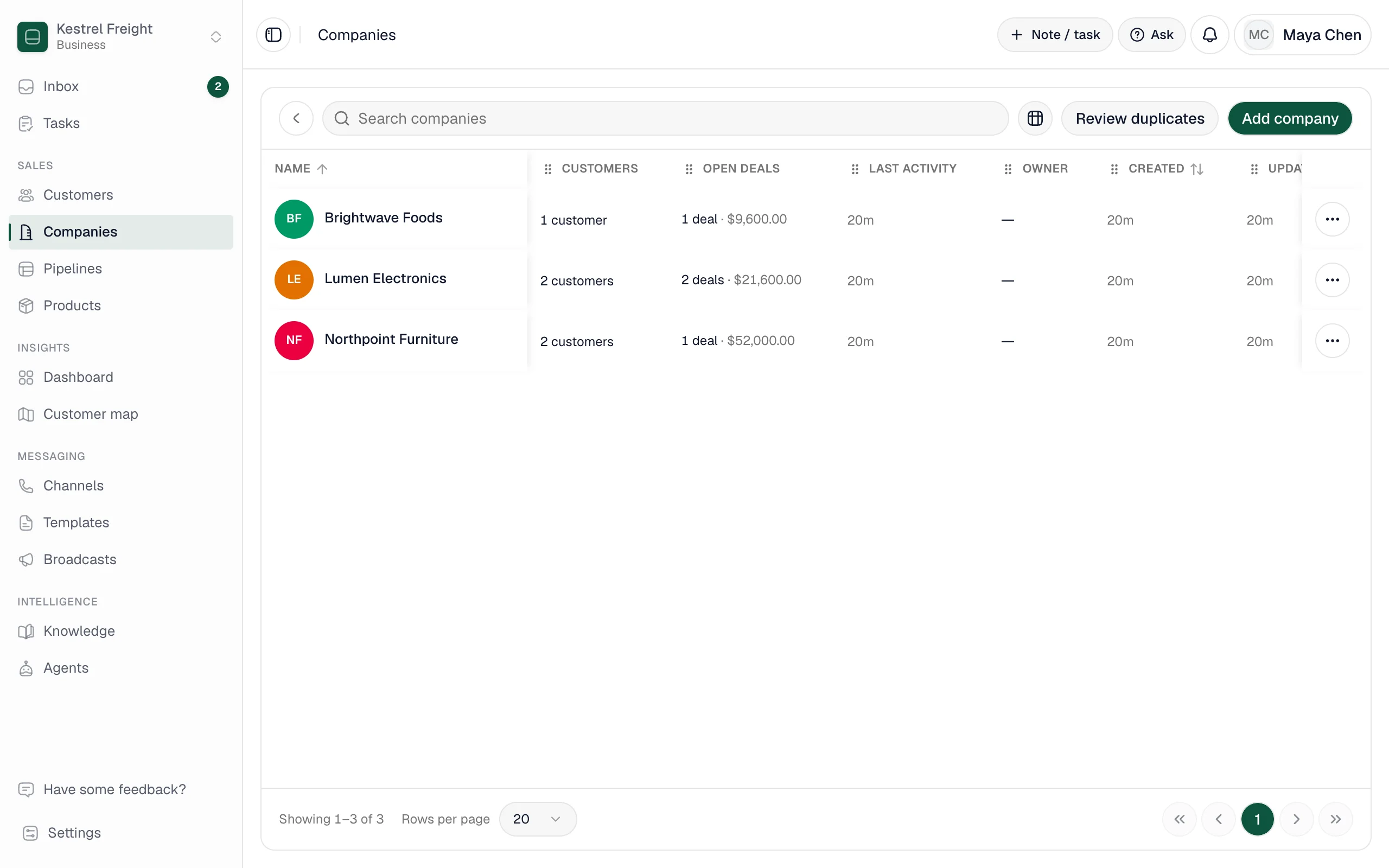
Companies are included on the Growth plan and above.
Adding a company
Section titled “Adding a company”- From Companies, choose Add company.
- From a customer’s profile, choose a company or create one. The customer is linked to it.
A company can have many customers. When a customer has no address of their own, they use their company’s address.
Company details
Section titled “Company details”A company has a name, a domain, an address and any company fields your organization defines. Its page lists the customers linked to it and their deals.
Turn on Show in list for a company field to add it as a column in the companies table.
Duplicates
Section titled “Duplicates”Companies with the same name can be merged from Customers → Duplicates. ChatAgent warns you when two companies have different domains, so you can skip them if they are not the same business.
With AI assistants
Section titled “With AI assistants”Assistants connected over MCP can find, create and bulk-create companies, up to 100 at once.