Knowledge
Give your agent the facts it answers from, and control which agent sees what.
Knowledge is the content your agents answer from: services, policies, FAQs, product details and web pages. Agents answer from your knowledge instead of guessing, so customers get answers that match your business.
Open Knowledge to manage it.
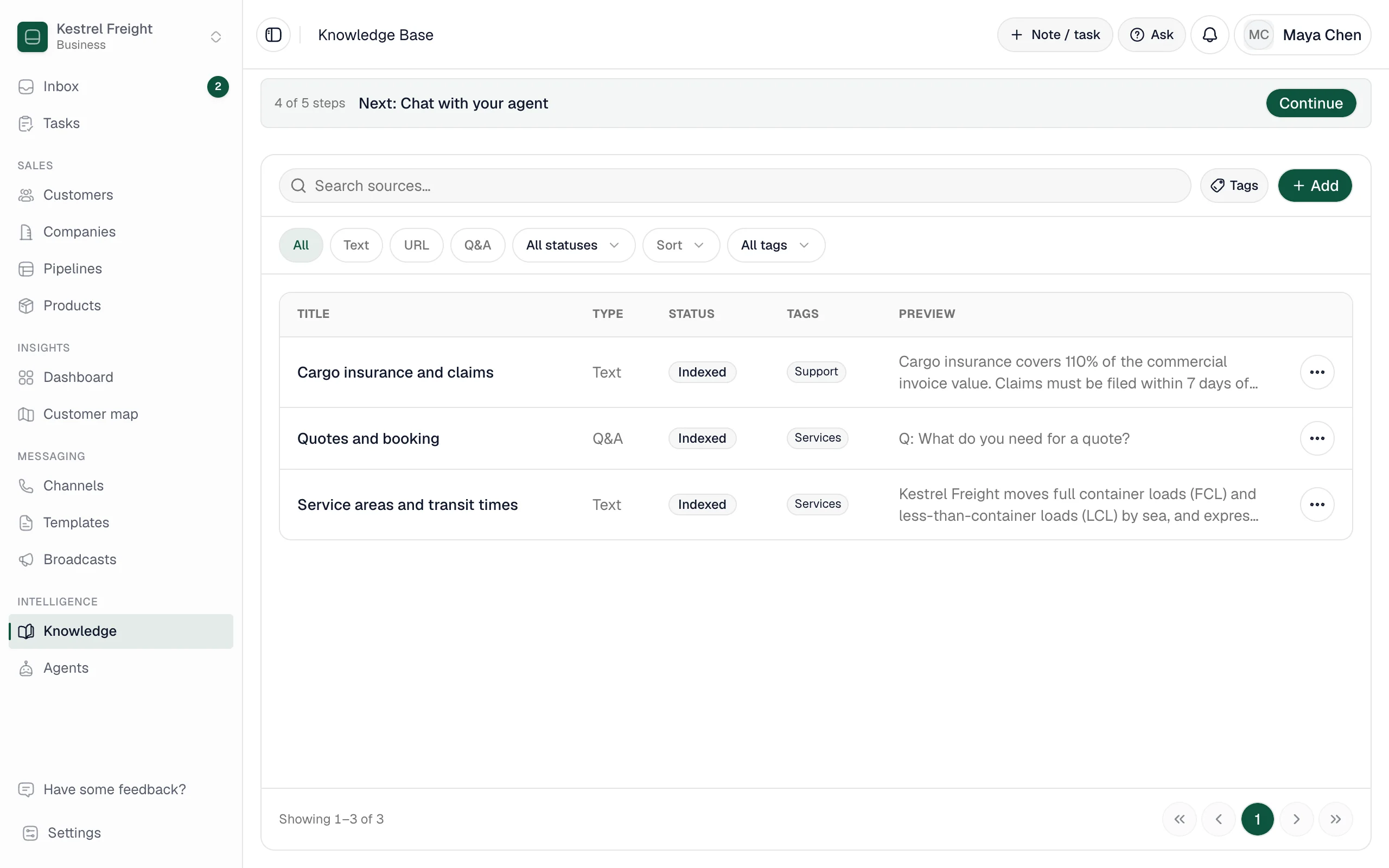
Add a source
Section titled “Add a source”Add a source and pick a type:
| Type | What to add |
|---|---|
| Text | Write or paste content, such as your service areas or booking terms. |
| Q&A | Question and answer pairs, optionally grouped under a collection title. |
| Website | A web page URL. ChatAgent extracts the main content and indexes it. |
| Files | .txt or .md files, up to 512 KB each. Each file becomes one source, titled after the file name. |
Add tags before you save, so agents can find the source. Each source shows its status while it is being indexed.
Your products are knowledge too. They are indexed the same way and can be tagged.
Your plan limits how many knowledge documents you can store. See Plans and billing.
Tags decide which agent sees which knowledge. An agent set to Selected tags only searches sources with those tags. See Agent capabilities.
For example, tag service areas and transit times services, and claims and insurance content support. Your lead agent searches services, and your support agent searches both.
Choose Manage tags on the Knowledge page to create, rename and delete tags. Select a tag to filter the library. Renaming a tag changes its label only. Its identifier stays the same, so agents keep working. To delete a tag, first remove it from the sources that use it.
How agents use knowledge
Section titled “How agents use knowledge”The agent searches your knowledge when it needs a fact, then answers in its own words. It does not read every source on every message. Customers see only the reply, never the source text.
Test the result in Preview.
Writing good knowledge
Section titled “Writing good knowledge”- One topic per source. Short, focused sources are found more reliably than one long document.
- Write the way customers ask. Q&A pairs work well for common questions.
- Keep facts current. Edit a source when a price or policy changes. The agent uses the new version from then on.
- Put price lists and posters in knowledge, not as product photos.
Who can manage knowledge
Section titled “Who can manage knowledge”Owners, admins and members can all add and edit knowledge by default. Custom roles can restrict it. See Members and roles.