Dashboard
See what happened, what is at risk, and where to look, across sales, inbox, customers and your team.
Tasks tells each rep what to do today. The Dashboard is the manager view. It shows how things are going without asking every rep: what happened in a period, what is at risk, and where a manager should look. Every number links to the deals, conversations or customers behind it.
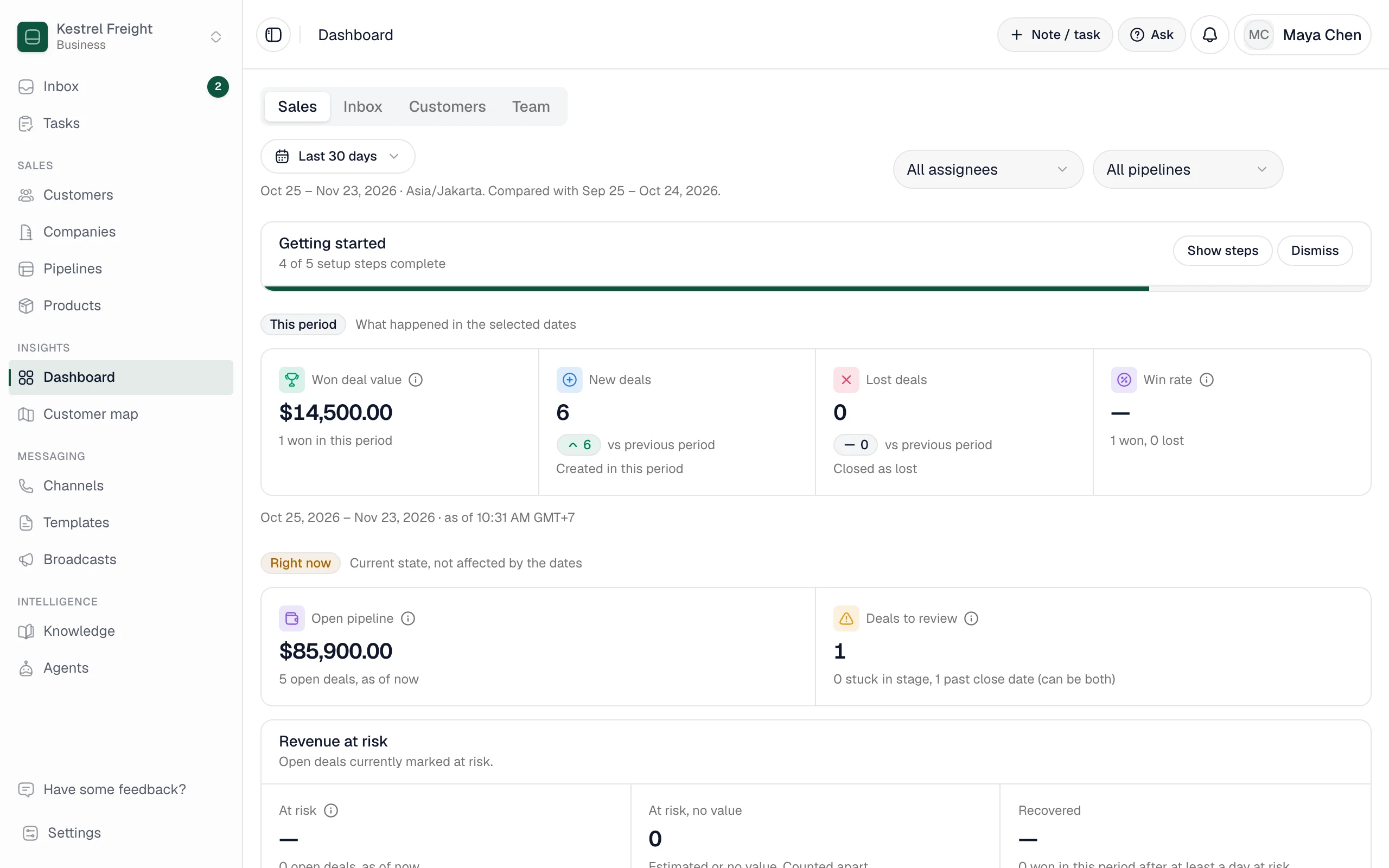
| Tab | Question it answers |
|---|---|
| Sales | Is commercial work converting, and where is it stuck? |
| Inbox | Is inbound work being handled in time? |
| Customers | Where do customers come from, are they growing, and how many have bought? |
| Team | Is work covered and completed across members? |
The period and the person you filter by are shared across tabs, and kept in the page address so you can share a view. Each tab can add its own filter, such as a pipeline or a channel.
Pipeline value by stage, deals created and won, progress against targets, lost reasons, and a leaderboard by won value. Amounts are grouped by currency. ChatAgent never adds up different currencies.
If too little of your open pipeline has a real value, the dashboard warns you. See Value coverage in Deal automation.
Message volume, conversations needing attention, and how fast your team gives a first human reply, grouped by your reply limits.
Customers
Section titled “Customers”New customers, where they came from, and how many have become paying customers. Topics show what customers wrote about.
How each person works next to what their deals came to. People are listed alphabetically, not ranked. Notes, logged activities and completed tasks are shown as separate counts, never added into one score.
How numbers are counted
Section titled “How numbers are counted”- Everyone sees the same formula. Your role changes which records you can see, never how a number is calculated.
- Numbers for a period are labeled separately from snapshots. A snapshot says “as of now”.
- Periods use your organization’s time zone. Comparisons use the same length of time just before.
- When there is nothing to divide by, you see —, not 0%.
- “All pipelines” means every pipeline you can open.
Getting started checklist
Section titled “Getting started checklist”New organizations see a Getting started checklist on the dashboard. It tracks the five steps in the Start guide and disappears when you dismiss it.